If you have installed an APK before, you may recognize the warning that appears when Android blocks an unknown application. It can be tempting to disable the warning and continue, especially when you want fast access to a betting platform.
However, an installation file should never be trusted based on its name, logo, or appearance alone. A Sports Betting App APK must be checked carefully because it may handle your login credentials, identity details, account balance, and payment information.
The goal is not simply to make the app work. The goal is to confirm that the file is authentic, compatible, and obtained from a source you can trust.
What Is a Sports Betting App APK?
A Sports Betting App APK is an Android Package Kit used to install a sports betting application on an Android phone or tablet. It contains the code, images, settings, certificates, and other files needed for the application to operate.
Applications downloaded through Google Play also use Android packages. The difference is that the store manages the download and installation process for you.
With a direct APK, you download and open the installation file yourself. This process is called sideloading, and it gives you more responsibility for checking the file.
An APK is not automatically harmful just because it comes from outside an app store. The main security question is whether the file came from the real developer and whether it remains unchanged.
Sports Betting App Access Options
A Sports Betting App may be accessible through a direct APK, an official app store, or a mobile browser. These options can provide similar account features, but their security and update processes are different.
| Access option | Installation process | Updates | Security responsibility |
| Direct APK | Installed manually | May require another manual download | The user must verify the source and file |
| Official app store | Managed by the store | Usually automatic | The store performs additional checks |
| Mobile browser | No application installed | Website updates automatically | The user must confirm the official URL |
Mobile browser access is a safer option when an APK cannot be verified because it requires no installation. A direct app may provide faster access and notifications, but only install it when its source and security are confirmed.
Why APK Verification Matters
A modified APK can copy the official app’s name, logo, and login page while hiding harmful code. It may steal passwords, read verification messages, or redirect payments. Always confirm the source, developer details, and permissions before installing.
How to Verify a Sports Betting App APK
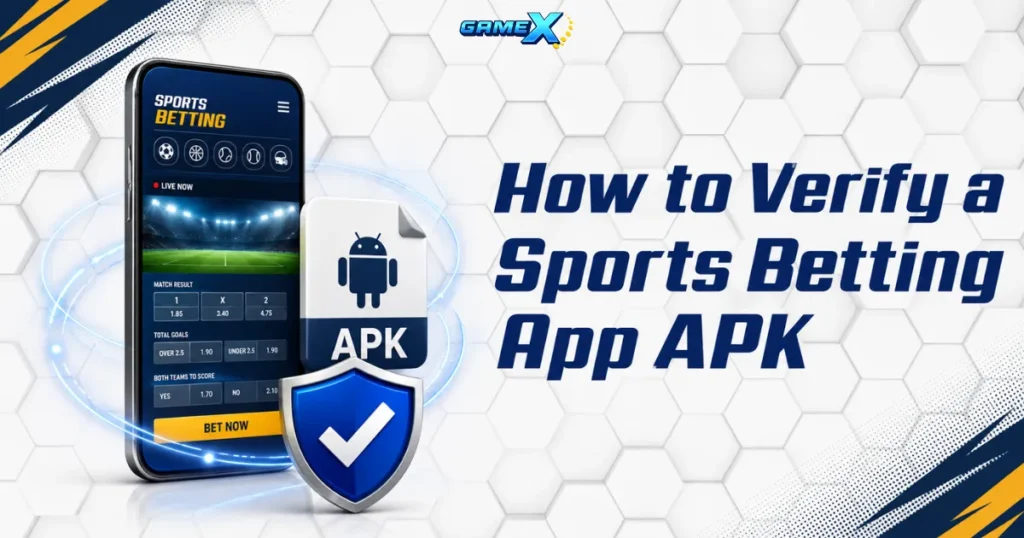
Verify the download source and file details before tapping Install. Compare the information with the details published by the official operator.
Confirm the Sports Betting App APK Source
Download a Sports Betting App APK only from the platform’s verified website. Check the complete domain because fake pages may copy the official branding while using misspelled or misleading addresses.
Avoid APK files from:
- Unverified social media accounts
- Pop-ups and redirected pages
- Public file-sharing sites
- Shortened or hidden links
- Unsolicited messages
- Modified or unlocked versions
HTTPS protects the connection but does not prove that a website is official. If unsure, ask verified customer support to confirm the correct download page.
Check the Sports Betting App APK File Details
Compare the filename, version, file size, release date, and developer name with the official information. Unfamiliar developer details, a different file size, or an outdated version can be warning signs.
Verify the file’s checksum when available and scan it with trusted security software. Do not install the APK (File Format) if its checksum does not match the value published by the developer.
Review Sports Betting App Permissions
A legitimate Sports Betting App may need internet, notification, camera, or location access for specific features. However, requests for contacts, SMS messages, call logs, microphone access, or device control should have a clear purpose.
Choose “Only while using the app” when available and reject unnecessary permissions. After installation, review the app in Android Permission Manager and remove any access that does not match the features you use.
Check Version and Device Compatibility
An authentic APK may still fail if your Android version, storage, processor, or security components are unsupported. Common signs include installation errors, startup crashes, blank login screens, missing buttons, and failed updates.
Check the app’s minimum requirements and update your device before downloading. Never use a random older APK to bypass compatibility warnings because it may lack current security fixes.
Update a Sports Betting App APK Safely
Download updates only from the verified official source. Before installing:
- Check the version and developer
- Review permissions
- Never bypass certificate warnings
- Avoid modified APK files
Unofficial updates may steal login or payment information.
Security Warning Signs After Installation
Watch for pop-ups, overheating, fast battery drain, unusual data use, unknown apps, or suspicious login alerts. These may indicate an unsafe application.
Stop using the app, disconnect from the internet, remove its permissions, scan your phone, and uninstall it. Change your password through the official website and contact support if personal or payment details may be exposed.
Safe Installation Checklist
Before installing, complete these security checks:
- Confirm that the platform is permitted in your location.
- Make sure you meet the required legal age.
- Use the verified official download page.
- Check the full domain name and HTTPS connection.
- Compare the version, developer, size, and release date.
- Verify the checksum when one is available.
- Scan the package with trusted security software.
- Review every requested permission.
- Confirm Android and device compatibility.
- Enable two-factor authentication when available.
Android may ask you to allow installation from an unknown source. Grant this permission only to the browser or file manager opening the verified file.
Turn the permission off again after installation. Leaving it enabled can allow another downloaded package to be installed without the same level of review.
Choose Security Before Convenience
A Sports Betting App APK can provide convenient Android access, but convenience should come after authenticity and security. Never install a package simply because it carries a familiar brand or promises faster access.
Use the official browser version or an approved app-store release if you cannot verify the APK source, developer, version, or requested permissions. Choosing a trusted access method helps protect your device, account credentials, identity information, and payment details.